
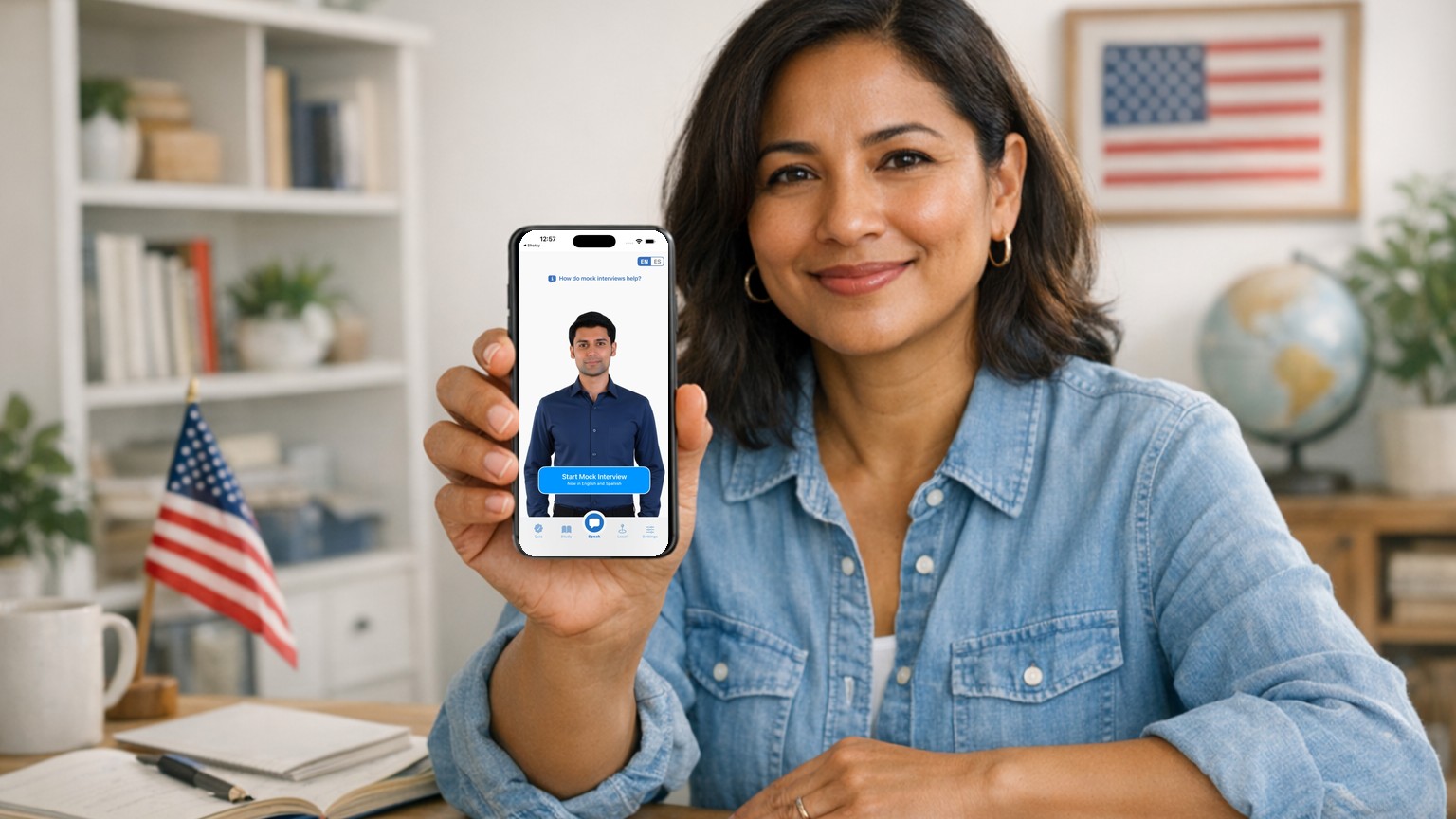
Choose a citizenship test app by checking its content against USCIS and trying its spoken practice. Start with your test version, then compare the practice you need and the price on your device. A high quiz score does not establish that you can answer an officer aloud.
Check the question bank and scoring
The USCIS Policy Manual sets these standard formats. If you qualify for 65/20 special consideration, look for the designated smaller set instead.
| N-400 filing date | Bank | Officer stops at |
|---|---|---|
| Before October 20, 2025 | 100 questions, 2008 version | 6 correct or 5 incorrect |
| On or after October 20, 2025 | 128 questions, 2025 version | 12 correct or 9 incorrect |
Open the app's settings and select the version. Compare several questions and accepted answers with the official USCIS materials. Check a question about an elected official too.
Check preparation beyond civics
Unless you qualify for an exception, you must demonstrate spoken English and complete reading and writing tests. USCIS requires one successful reading sentence and one writing sentence, with up to three attempts in each category. Source: USCIS English Test Overview.
Look for practice that lets you explain your N-400 information and write from dictation. Translations can help you understand a concept, but studying in Spanish does not establish eligibility to take the interview in Spanish. See language exceptions before choosing an interview language.
Compare free resources and paid practice
USCIS supplies free PDFs and a 2025 textbook. They work with a study partner and provide the answer standard for checking any app. Use the official 2025 resource page for current downloads; check an app's version coverage before depending on it.
We publish Citizenry. Our app supports both civics versions and offers spoken mock interviews on iOS and Android. Use a practice session to decide whether that format helps you. Review the subscription or lifetime-purchase terms on your device, including the renewal price and which features require Pro. Downloading an app does not mean all its features are free.
Frequently Asked Questions
Can a citizenship app guarantee that I will pass?
No. An app can help you practice, but USCIS evaluates your answers and eligibility at the interview. A practice score is not an approval decision.
What should I check before buying a citizenship app?
Confirm the app covers questions from your test version (2008 or 2025), explore mock interview options, and make sure the app has a high quality audiobook. Review the price and free-trial options.
Related Articles
- Is There an Updated Version of the Official USCIS Civics Test Study App?
- How to Practice the N-400 Interview Out Loud
- Citizenship Test Study Plan: 30 Days, 60 Days, 90 Days
- Best Study Guides for the US Citizenship Test

Ready to Start Practicing?
Download Citizenry and start your path to citizenship today.